How to add an order status board to your shop without new hardware
(updated) · 6 min read · The Yernex team
When this post was first published on 20 October 2026, the Now Serving display was free on every Yernex plan. It is now part of Yernex Pro, which was $5 per trading day until November 2026 and is now $7 a month or $60 a year. See current pricing
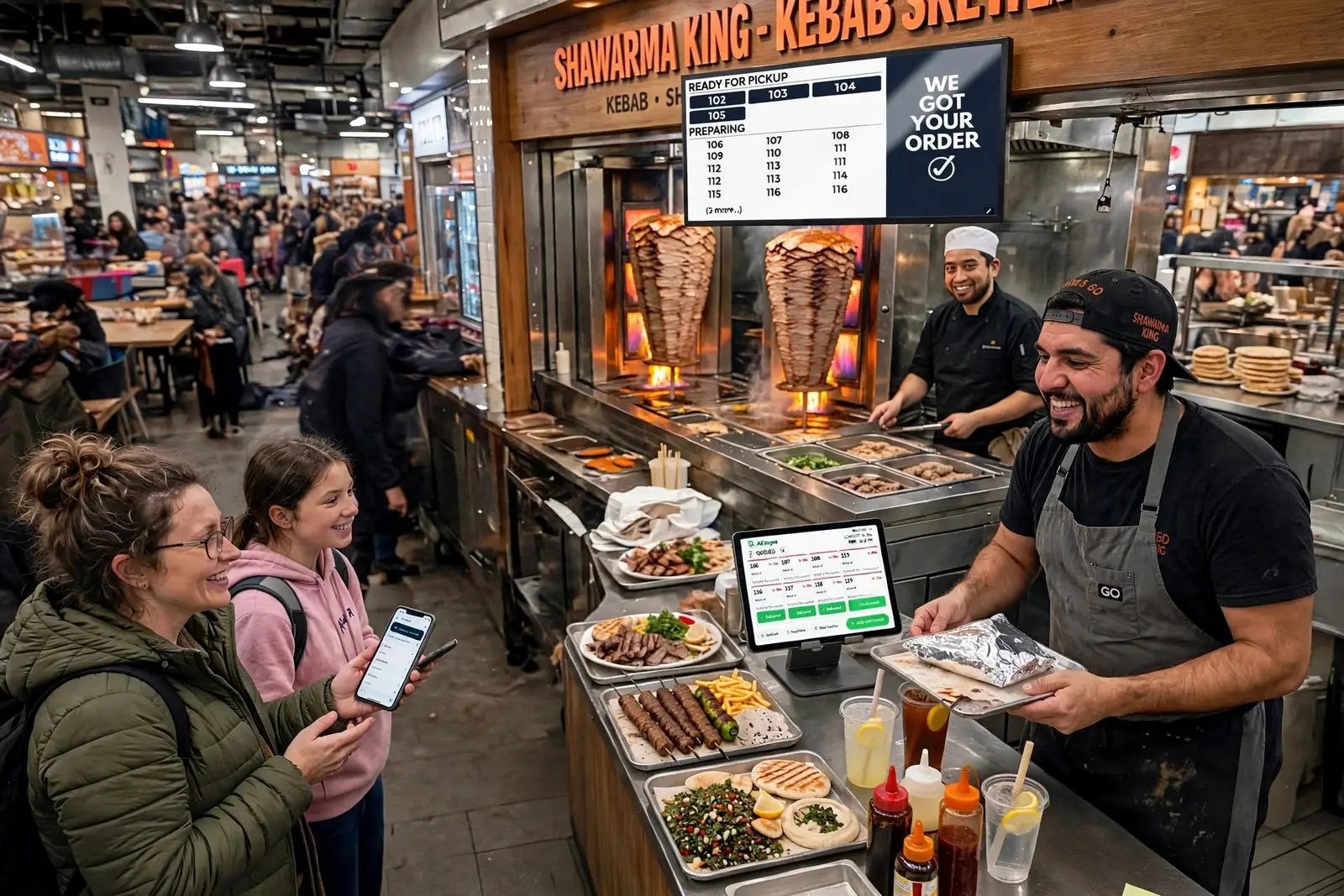
Big fast-food chains have trained all of us to look up while we wait. Order at the kiosk or the counter, step aside, and watch for your number to move from "preparing" to "ready". You can give your own customers the same thing without a chain's budget: an order status board on a TV or tablet you already own. This post covers why the big chains use them, what one usually costs to set up, and how to put one in your shop without buying hardware.
What is an order status board?
An order status board is a screen near your pickup point that shows two lists: the orders being made, and the orders ready to collect. When your team marks an order ready, its number moves across. Customers find their number on the screen instead of asking at the counter.
You will also hear it called an order ready screen, a Now Serving display, a pickup board or a queue display. They all do the same job.
Why McDonald's, KFC, Domino's and Hungry Jack's show you your order
If you have waited for food at a big chain lately, you have probably watched your order on a screen: above the counter at many McDonald's, KFC and Hungry Jack's (Burger King) restaurants, or on your phone with Domino's.
Domino's is the clearest example, and it is on the record. The company calls its Pizza Tracker an industry first: it launched in 2008 and has tracked more than 2.5 billion orders, and Domino's updated it again in March 2026. It shows each order moving through simple stages, from placed to made to ready.
The chains don't publish why they put status screens in their stores, but the reasons are easy to see from the other side of the counter. The companies that make these screens say the same:
- Less shouting. Nobody has to call names or numbers over the fryers and the music. Till Tech, which sells order ready screens, says they mean staff don't have to yell out names or ticket numbers.
- Less asking. A customer who can see their order is being made doesn't come back to ask about it. Till Tech says the screens reduce the anxiety of waiting, because people can see progress.
- A clearer pickup area. When people know their number is still three orders away, they sit down instead of crowding the counter, which keeps the space free for the people actually collecting.
- The wait feels shorter. Watching your number move is better than staring at a closed kitchen door.
None of this needs a chain's size to work. A food truck at a busy market has the same crowd at the window and the same "is mine ready?", just with fewer people to answer it.
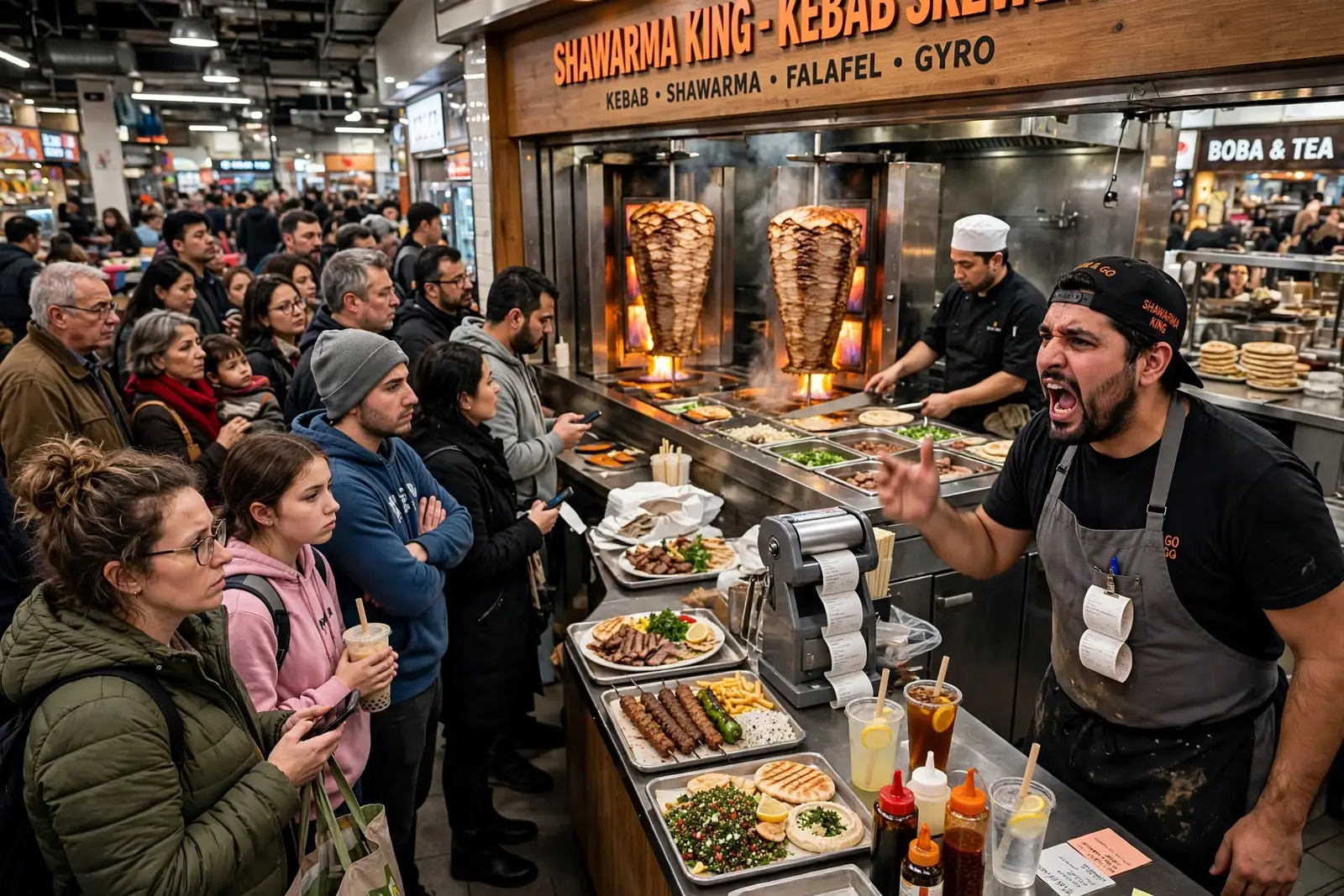
What does it cost to set up an order status board?
The usual way has three parts: a screen, something to run it, and software that knows what your kitchen is doing.
- The screen. Any TV or monitor you can mount where the line can see it. If you already have one, this costs nothing.
- A player or tablet. Some signage systems need their own box behind the screen. MustHaveMenus, for example, lists its Display app at $20 per screen per month, plus a $99 player, on top of its Pro Plan.
- The software. General digital signage can show a menu, but it doesn't know when an order is ready. Signage software like Look Digital Signage starts at $15 per screen per month, and order-aware screens often come bundled with a kitchen display system priced per device.
So a typical small setup means a monthly fee per screen, some hardware, and a system that connects to your orders. That's fine for a chain with an IT team. For a single café or truck it is often the reason the screen never goes up.
How to set up an order status board without buying hardware
Yernex's Now Serving display turns any screen with a web browser into an order status board. It is part of Yernex Pro, at $7 a month or $60 a year, and there is no hardware to buy.
Setting one up takes a few minutes:
- Open the board on the screen. On the TV, tablet or monitor's web browser, go to yernex.com/pub. It shows a QR code and a short pairing code.
- Scan it with your phone. Sign in to Yernex, check the code matches and tap Pair Display. No phone handy? Generate a code in your dashboard and type it on the board instead.
- Make it yours. Pick the colours of the board, the sections and the number tiles, rename "Ready for Pickup" and "Preparing" to whatever you call them, and upload a banner or animated GIF: today's special, your menu, your socials.
- Turn on the ready sound, if you want one. Switch on "Play a sound when an order is ready" and the screen plays the same ready sound your customers' phones use, every time a ticket moves to Ready. Nobody has to touch the screen: the dashboard setting and the screen's own volume are the only controls, though Safari on iPad only plays sound once the screen has been touched.
- Run service as usual. Tickets you move on the Service Board appear under Preparing, then Ready, on every paired screen within seconds.
You can pair as many screens as you like on Pro: one above the counter, one in the window, a tablet at the far end of the market stall. If you sell through Square, paid Square orders become tickets on their own on any plan, so the board fills itself.
What the free plan includes
The free plan has no time limit. It covers:
- Up to 10 orders in progress at a time. Enough for a single stall, truck or one-off event.
- The Service Board, where your team adds tickets and moves them along.
- One paired service station, such as a kitchen tablet.
- QR code ordering and Square integration, so paid Square orders become tickets on their own.
The Now Serving screen is on Pro, which also removes the 10-order limit. Pro is $7 a month or $60 a year. The details are on the pricing page.
Where a status board falls short
A board only reaches the people near it. With the ready sound on, everyone in earshot of the screen hears that an order is ready, but not the customers who went to find a seat, a drink or the toilet, and the sound doesn't say whose order it is. If your customers wander, pair the board with mobile order tracking: each customer scans their ticket's QR code, and their own phone plays a sound when the order is ready, wherever they are. Most shops end up running both.
And if your screen has no Wi-Fi or mobile data, the board can't update. It keeps its pairing and catches up when the connection returns, but plan your spot around a connection you can rely on.
If you're not sure what fits your counter, the setup finder asks a few questions and tells you. Or start free and pair your first screen before your next service.
Frequently asked questions
What is an order status board?
A screen near the pickup point that shows which orders are being prepared and which are ready to collect. Customers find their number on it instead of asking at the counter.
Why do fast-food chains use order status screens?
To stop staff calling out numbers, keep customers from crowding the counter, and make the wait feel shorter by showing progress. Domino's, whose Pizza Tracker launched in 2008, has tracked more than 2.5 billion orders that way.
How much does an order status board cost?
With a screen you already own, Yernex's costs $7 a month or $60 a year, with no charge per screen. Paid signage and display software is usually charged per screen per month, and some systems need a player box as well.
What screen do I need for an order status board?
Any smart TV, monitor or tablet with a web browser. A spare tablet in the window works as well as a TV above the counter.
Can I show my menu or specials on the board?
Yes. With Yernex, upload a banner image or animated GIF and it runs beside the order numbers.
Does an order status board make a sound?
Yernex's board can. Turn on the ready sound and every paired screen plays it whenever an order moves to Ready; it is off until you switch it on. For an alert that reaches customers anywhere, they scan their ticket's QR code and their own phone plays a sound too.
Prices, plans and features mentioned in this post were correct at the time of writing and may change without notice. The pricing page always shows what is current.
More from the blog